Two months of dashboard work. In a week and a half.
Sixteen production Tableau extensions, done. The custom KPI cards, radials, sankeys, tables, and charts that stretch a dashboard into a multi-month build. Drop them straight in, or make them your own with the skill.
What it costs.
Sixteen extensions: KPI cards, a data table, radials, a sankey, a chord, a scatter, and more, coming to the Tableau Exchange one by one.
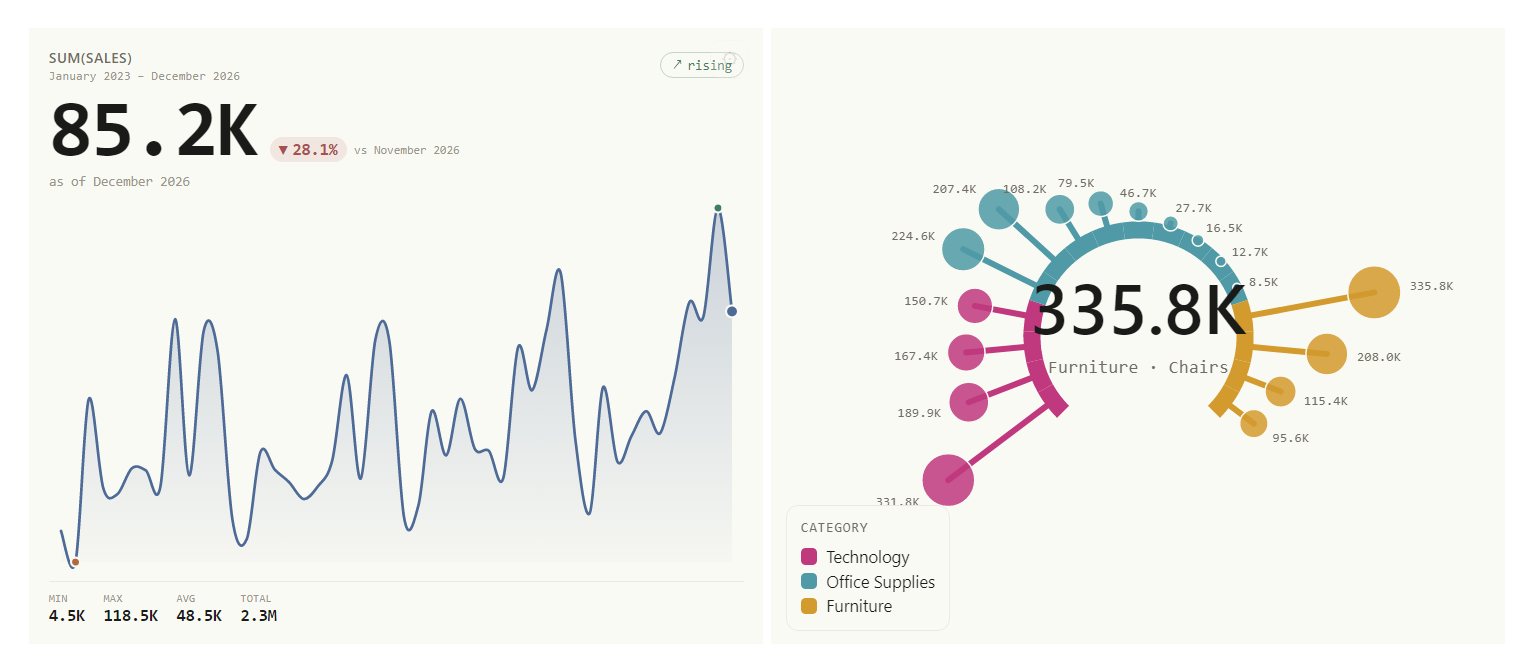
Sixteen real extensions. Three of them live, right here.
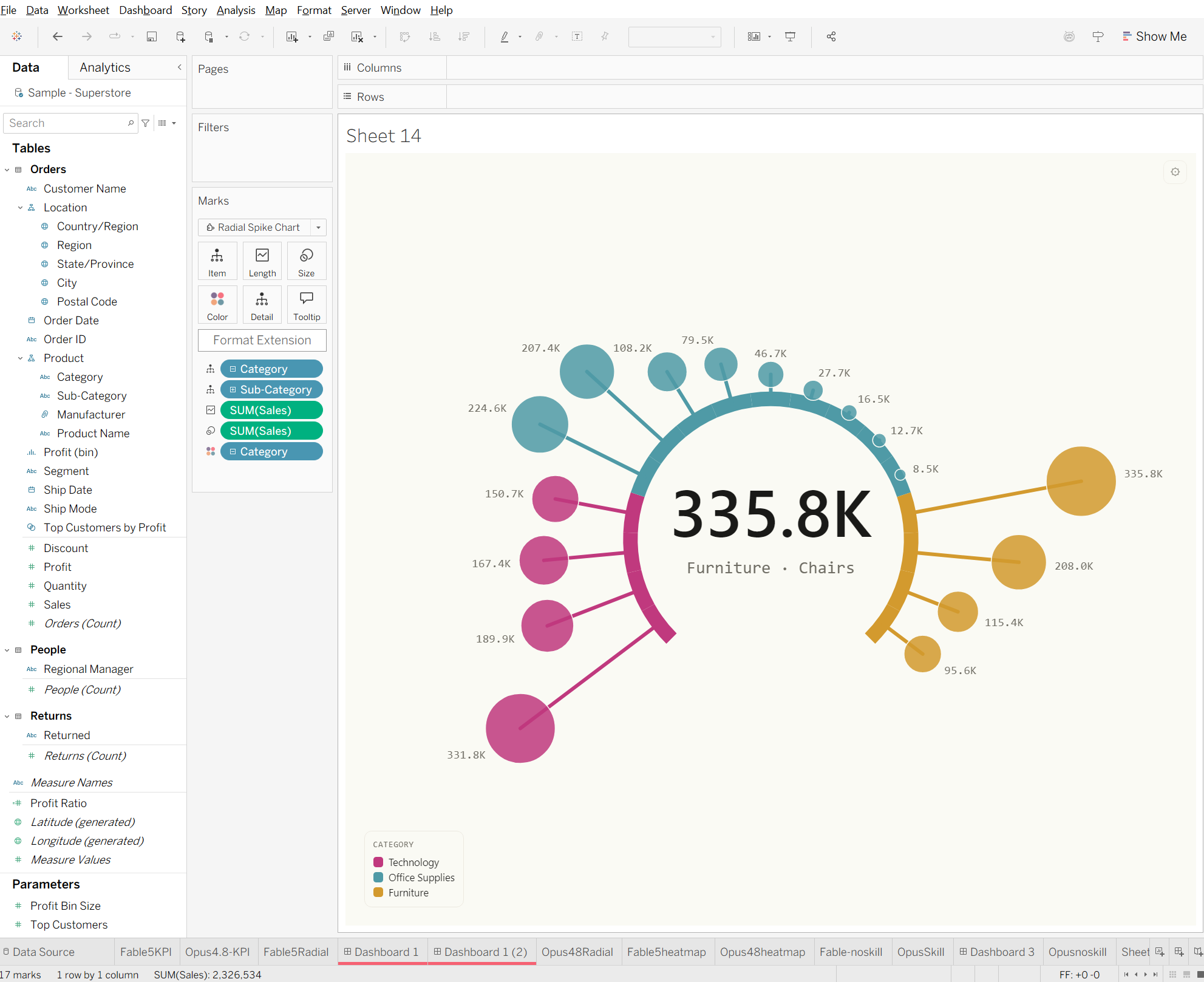
These aren't screenshots. The demos below are the actual extensions from the kit, running on a real Tableau Public dashboard on its own data, the same code that lands in your dashboard.
The rest are the same deal: real, finished, interactive. These three are just the ones that fit on a page. Every extension is live on the demo gallery, each on the same real dashboard: click the marks, feel the depth.
Same skill, six times faster.
I ran it head to head. Same model, same task. With the skill: 1 minute 20 seconds. Without it: 8 minutes 33 seconds and a pile of error-fixing prompts.
"The new skill was great. I went from zero to a working dashboard in one initial prompt (although it did ask some good clarifying questions, which was great). I liked some of the standards that were baked in without having to discover them throughout, like creating 2 manifest.trex files for dev and prod."
Michael McCusker, Tableau Tech Lead
The system that builds more.
- The Skill: describe the extension you want and it builds with the manifest rules, hosting, and standards already baked in. Get it free.
Or learn to build them yourself.
The kit is the shortcut: sixteen finished extensions, done. But if you would rather become the person who can build any custom viz on demand, that is a skill you can learn. Learn It, Ship It is nine hands-on lessons where you direct Claude to build real extensions on your own machine, each one starting from a finished product and ending with something you shipped.
Use them or build your own? Most people do both: use the plumbing, build the hero viz. The honest scorecard helps you decide.
Already bought the Kit?
Your key still works. Redeem it and all sixteen extensions go live in your own ext·host account, each with a .trex to add to Tableau. We handle the hosting, the HTTPS certificate, and every update.
If your organization cannot approve an outside URL at all, an Enterprise license puts all sixteen inside your own network instead.
Redeem your key